✨ FREE FOR MAKERS

Free 3D File Organizer for Makers

LAMA 3D Vault is your personal vault for organizing, previewing, and managing all your maker files. From 3D models to laser-cut designs—everything in one beautiful place. No cloud. No limits. Just you and your creations.

100%
Free & Open
Local
No Cloud Required
5+
File Formats
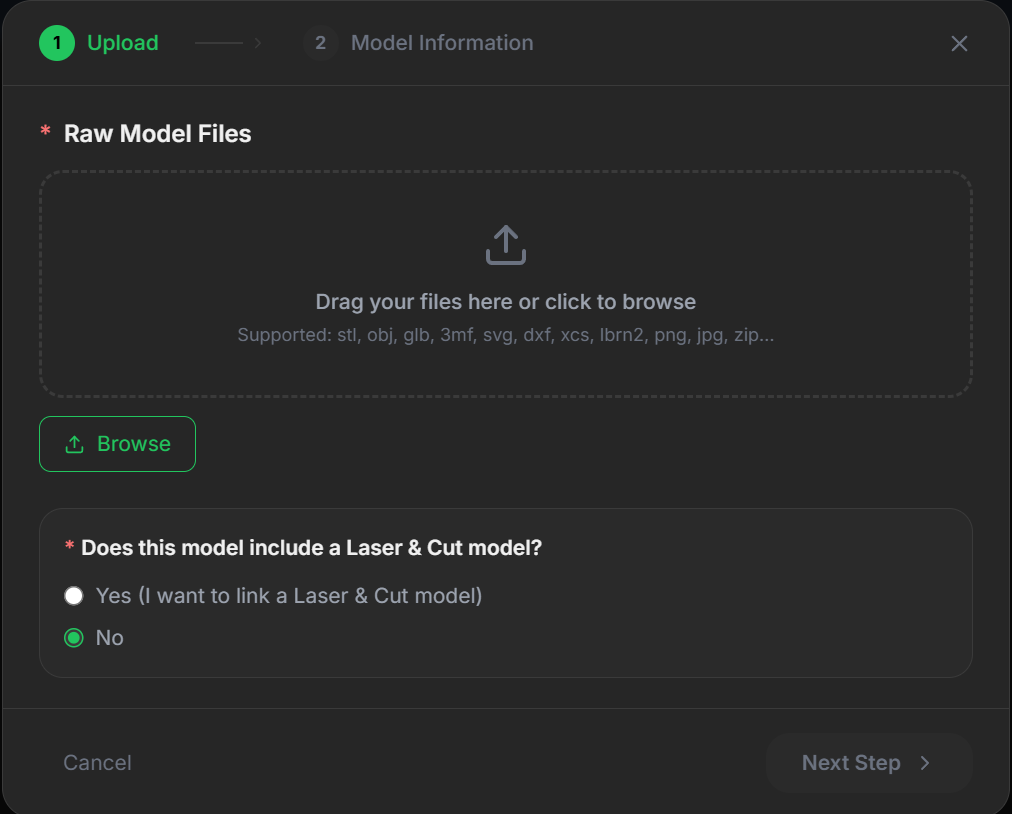
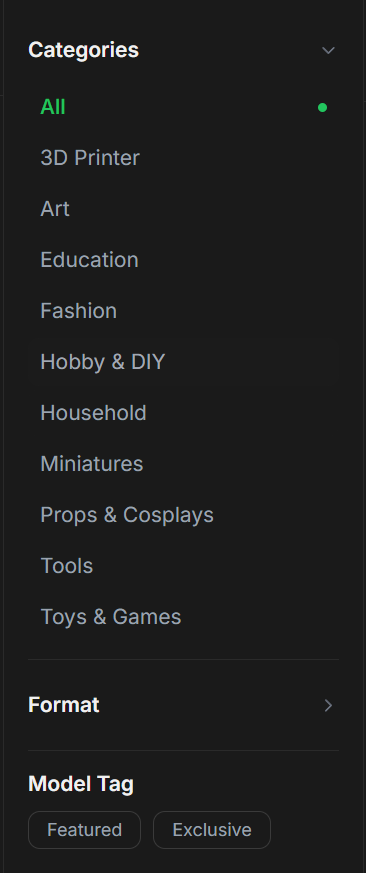
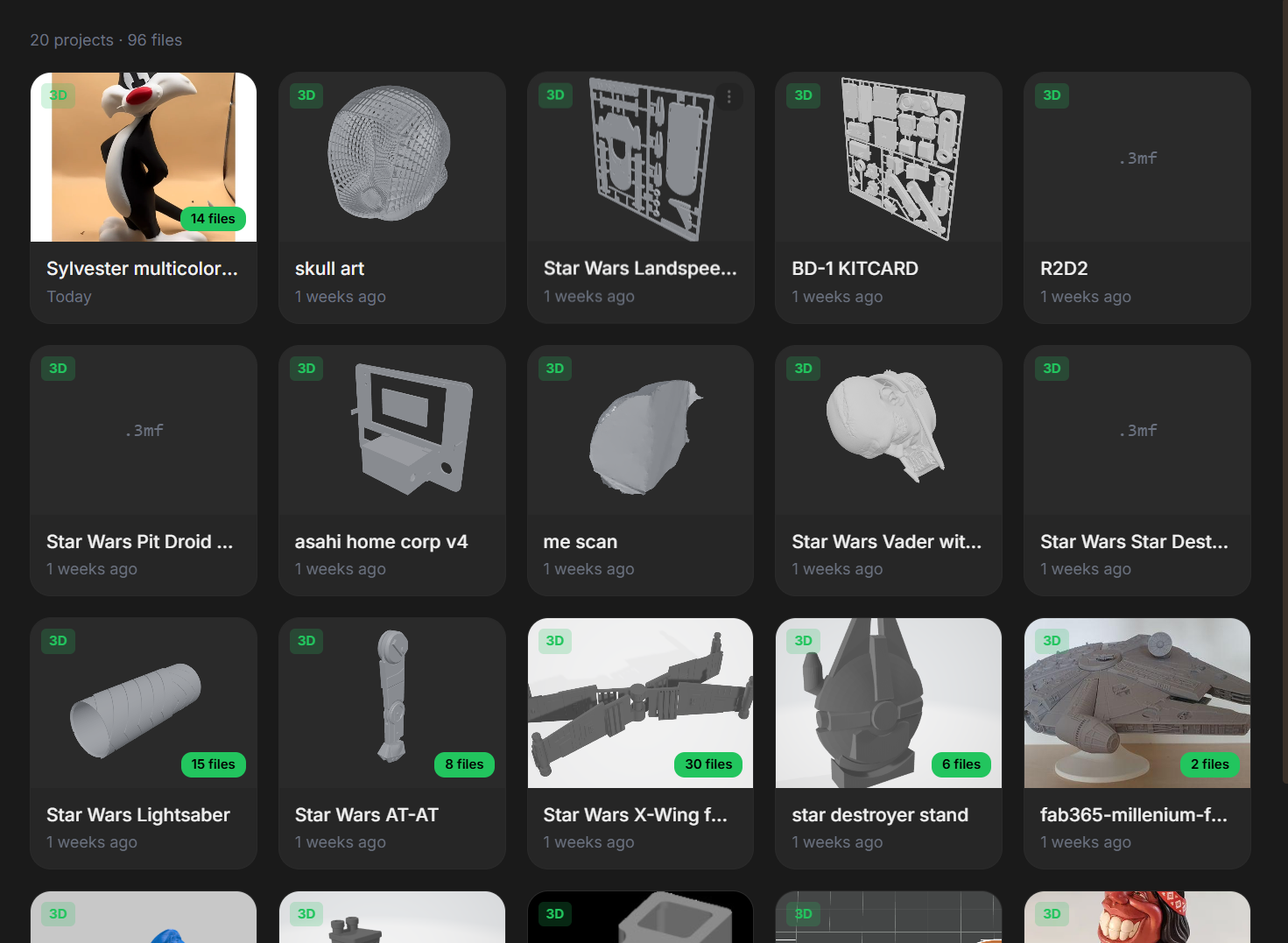
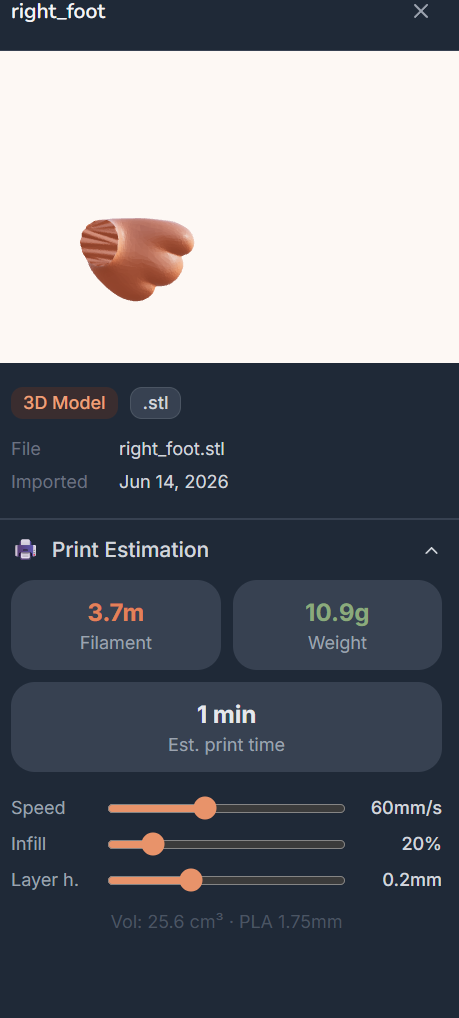
Upload a 3D model Browse categories Your model library Model details & print estimation Your printed model

What's Inside the Vault?

Everything you need to organize your maker journey

🎯

Multiple File Formats

Support for 3D models (STL, OBJ, GLB, GLTF), laser designs (SVG, DXF, LBRN2, AI), and raster images (PNG, JPG, WEBP).

👁️

Instant 3D Preview

Rotate, zoom, and inspect your 3D models with beautiful real-time previews. No external viewers needed.

💾

Local Storage

All your files stay on your machine. No cloud, no accounts, no subscriptions. Complete privacy and control.

🖼️

Auto Thumbnails

Automatic thumbnail generation for every file. Browse your vault visually and find designs in seconds.

Lightning Fast

Built with Tauri for speed and efficiency. Runs smoothly on any Windows machine, even older ones.

🔧

Made for Makers

Perfect for 3D printing, laser cutting, CNC work, and any maker project. Organize like a pro.

Ready to Organize Your Creations?

Choose your download and start vaulting your designs today—it's completely free!

💡 Need Help Choosing?

New to LAMA? Both installers give you the complete app. If you're unsure, go with MSI—it's the most common format on Windows. Pick EXE if you prefer that format instead.

From Download to Vault in 3 Steps

1

Download & Install

Get the installer and launch LAMA 3D Vault. Your vault folder will be created automatically.

2

Import Your Files

Drag and drop or import 3D models, laser designs, and images. Thumbnails generate instantly.

3

Create & Explore

Preview, organize, and manage all your designs in one beautiful vault. Start making!